
MAQAM OUD / A MUSICAL CONNECTION
A closer connection
to every note.
The Maqam Oud app helps you learn Arabic maqam and practice on your oud, with song notation and microphone feedback for your real instrument.


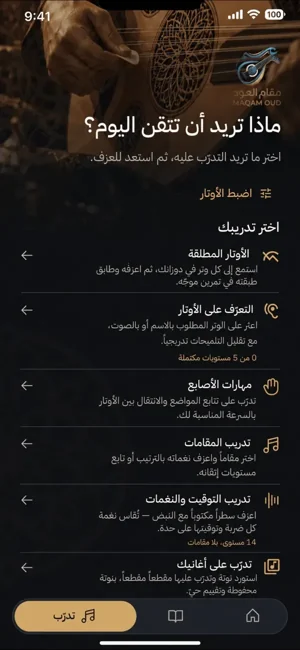
Your real instrument.
A new way to practice.
02 / SONG PRACTICE
From Your First Note
to the Songs You Love.
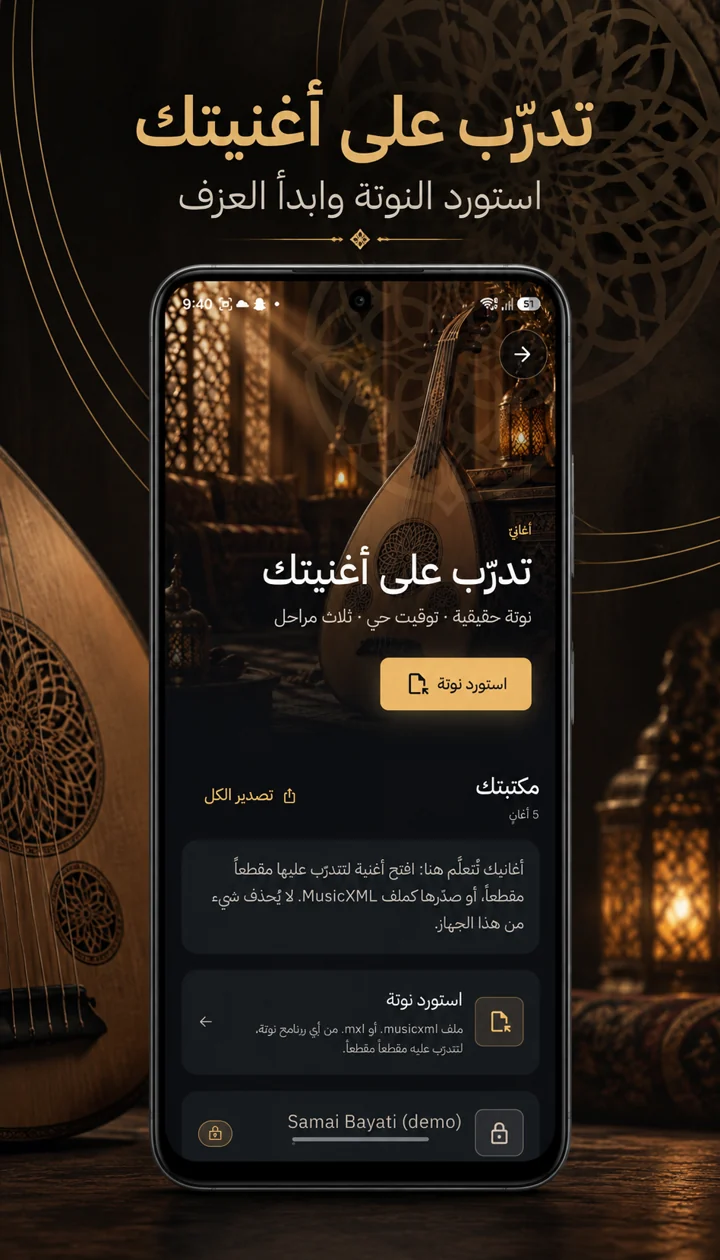
- 01
Find your starting point.
Open Song Practice from the practice menu.
- 02
Bring your music.
Import a MusicXML or MXL score you have permission to use.
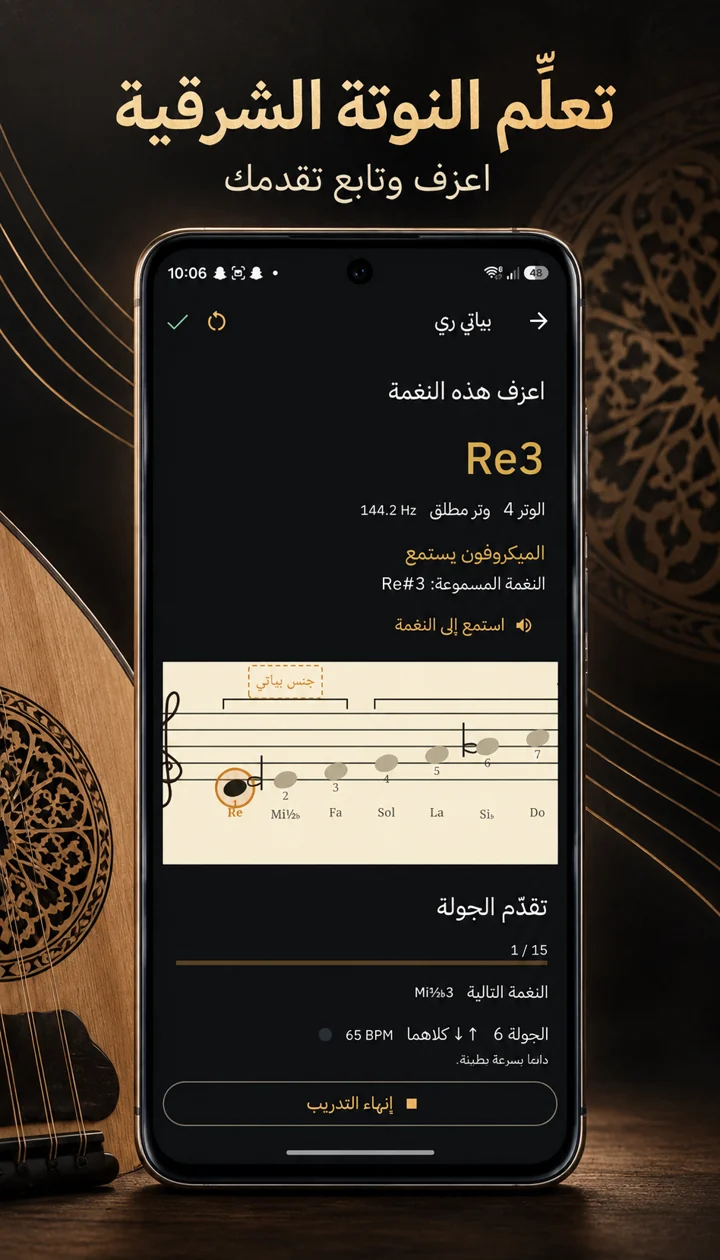
- 03
One phrase. Then another.
Follow notes and timing. Return to the measures you want to improve.
FROM YOUR INSTRUMENT TO YOUR PRACTICE
Play → Listen → Practice
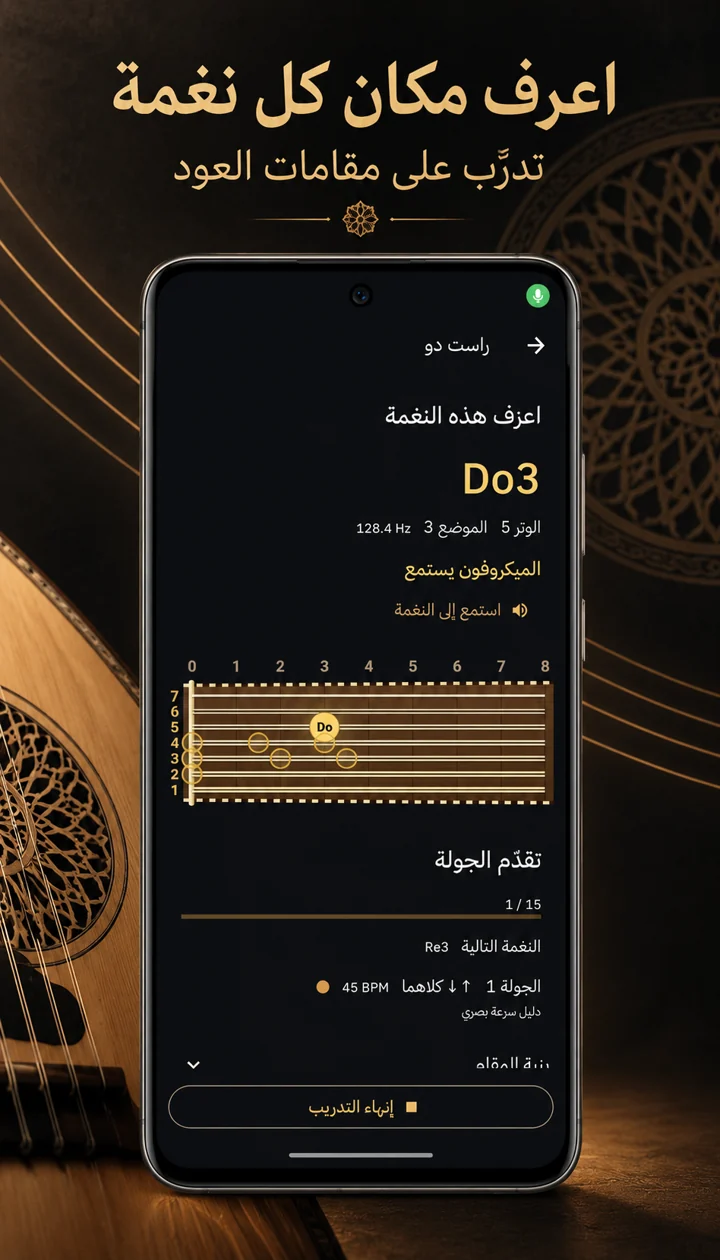
- 01 / PLAY
Begin with your oud.
Play a note on your real instrument.
- 02 / LISTEN
Connect sound and position.
Microphone-assisted practice helps you follow pitch.
- 03 / PRACTICE
Bring the next note into focus.
Explore note positions on the interactive oud neck, then play and repeat.
An illustration of microphone-assisted practice.
03 / ARABIC MAQAMAT
Explore the World
of Arabic Maqamat.
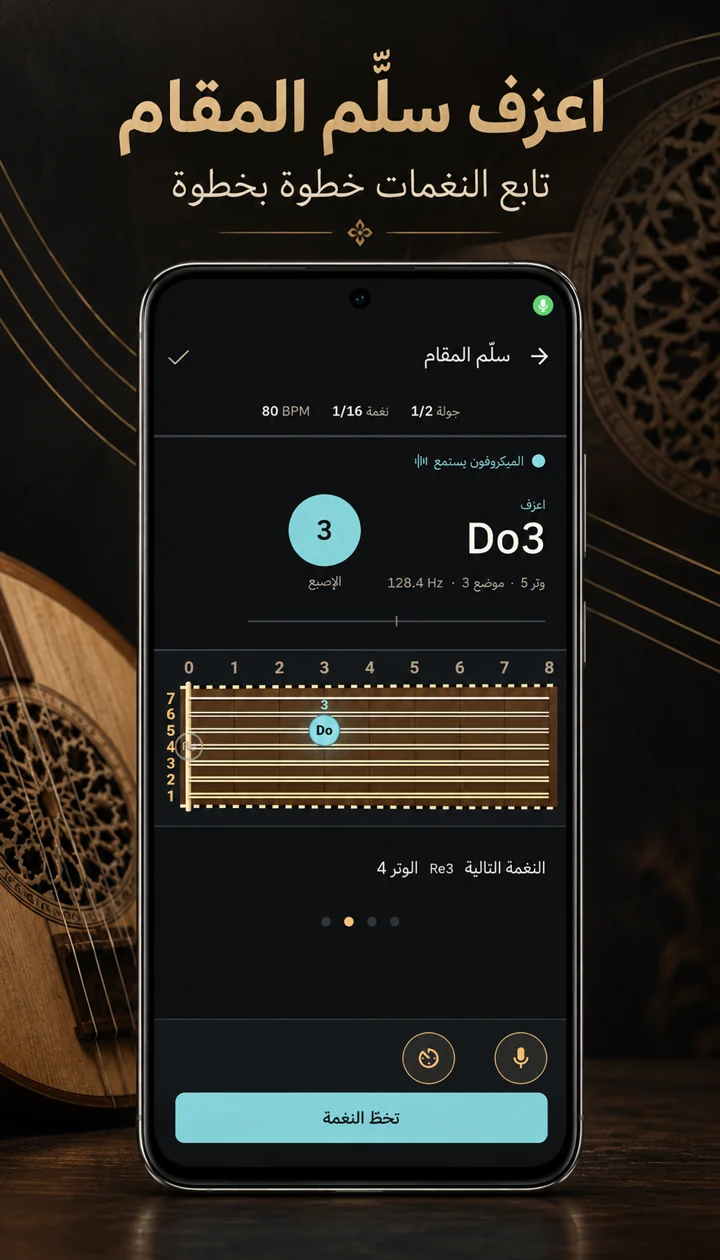
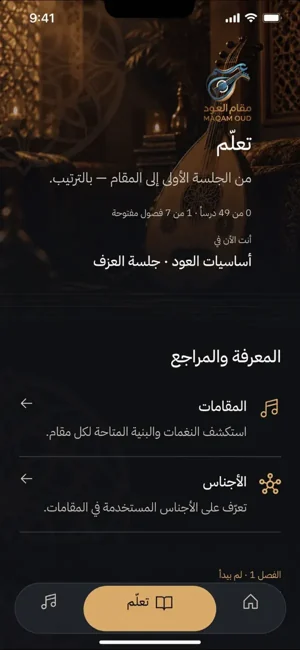
Hear the relationship.
Find its place.
Explore maqamat and ajnas, then connect their notes to the oud neck. Let listening and repetition guide your practice.
Discover maqamat ↗04 / BUILD YOUR TECHNIQUE
Grow With Every
Practice Session.
Make room for finger movement, pitch, and timing. Choose a focused exercise, play your oud, and return to the fundamentals.
Choose an exercise. Listen closely. Play again.
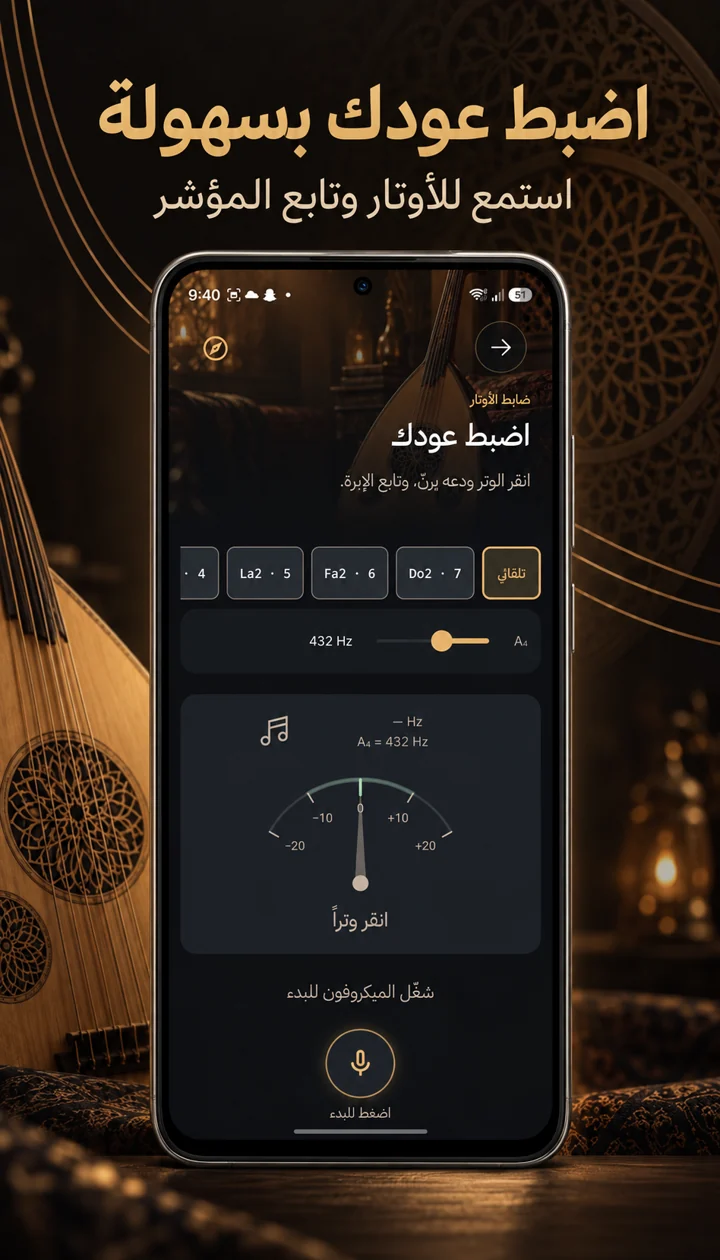
BEFORE THE FIRST NOTE
Oud Tuning
Begin with your strings. Use the app’s visual tuning indicator and adjustable reference frequency to prepare your oud for practice.
MAQAM OUD
Your Oud Journey
Starts Here.
Your instrument. Your next note. Your own pace.
Android & iOS · Free download with in-app purchases.